
Set it up in seconds
Walls, table and chairs the way you like. Drag in a frame with your photo, drop a TV, play your video and leave a photo on the table. That fast.
3D podcast studio in your browser
Sit down with your guests in a 3D studio. Your face goes on the avatar, its mouth and hands follow your voice, and the camera frames whoever is talking. Nothing to install.
Walls, table and chairs the way you like. Drag in a frame with your photo, drop a TV, play your video and leave a photo on the table. That fast.
Shirt, pants and sneakers in any color, your logo printed on the chest and accessories: beanie, cap, glasses or scarf. Everyone in the room sees you that way.
Upload a photo and it goes on your avatar. When you talk, the mouth opens with every syllable and the hands follow what you say.
With the cinematic camera, the shot jumps to whoever has the floor: one side, the other, or a close-up. Just like a real show.
Laugh, cry, like and dislike. Your avatar laughs, wipes its tears or gives a thumbs up — and if you hold the button, it holds the pose.
Share the link, your guests sign in, take a seat and hear each other live. You decorate the studio; everyone styles their own avatar.
Remocast works for podcasts, interviews, live classes, team meetings, nights with friends, streams, video podcasts and hangouts.
A video call puts you in a little box. Remocast sits you in a studio, face to face with your people.
Every detail is designed so the conversation feels alive, even when everyone is at home.
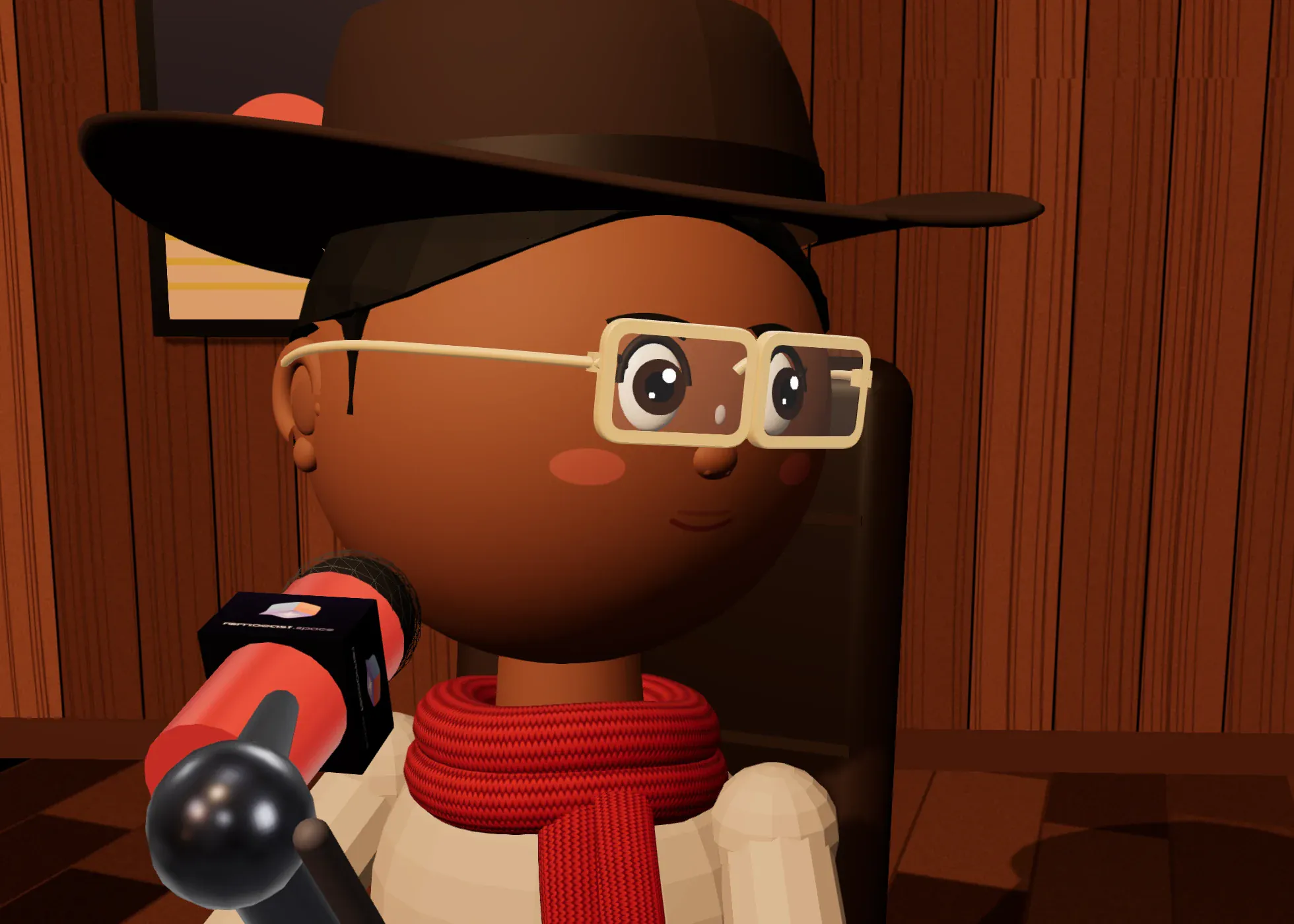
Your photo blends into the face and you dress it your way: colors, your logo on the shirt, beanie, glasses or scarf. The mouth opens with every syllable and the hands follow what you say.
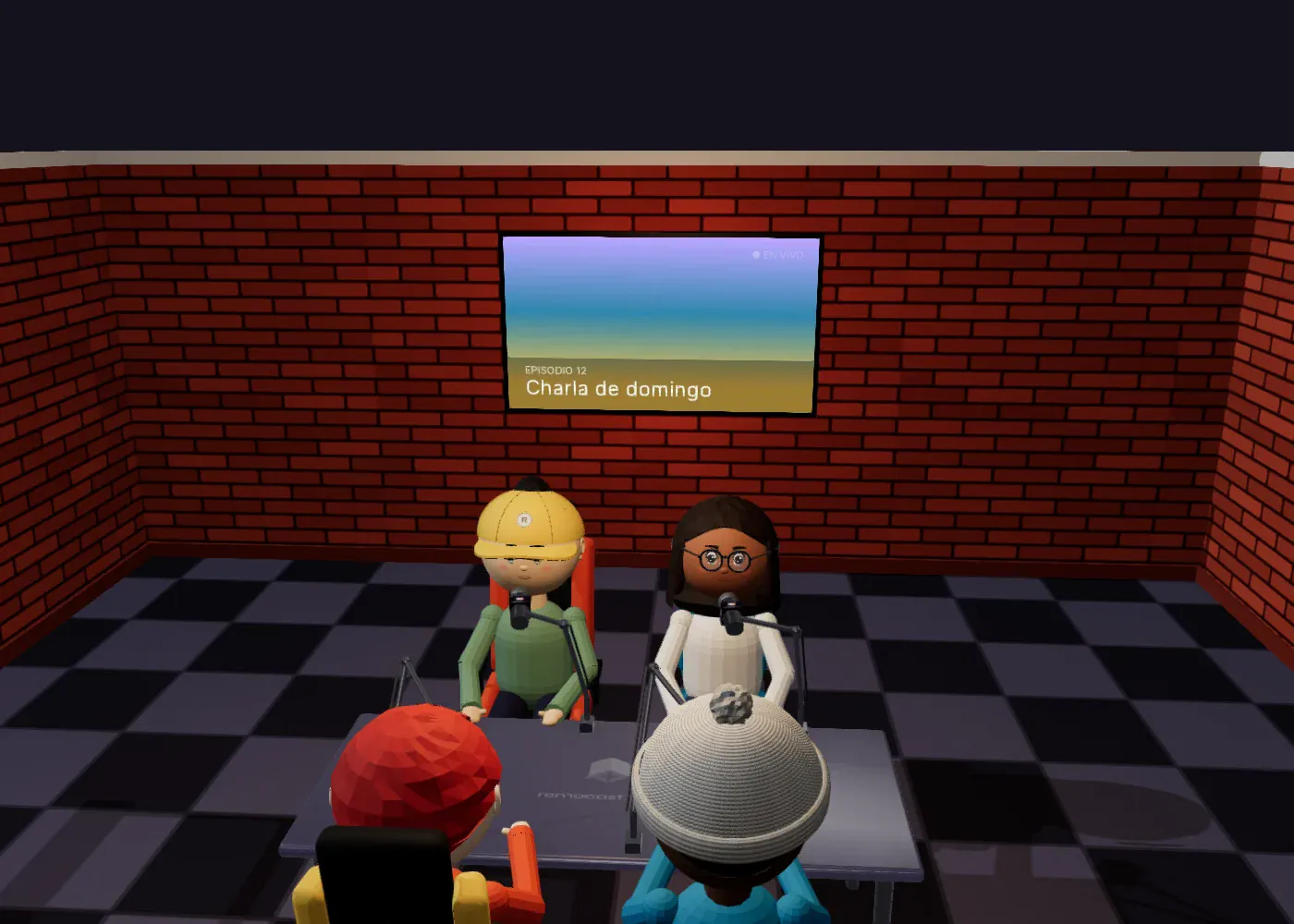
A video, a photo gallery or the live channel that draws your voice.
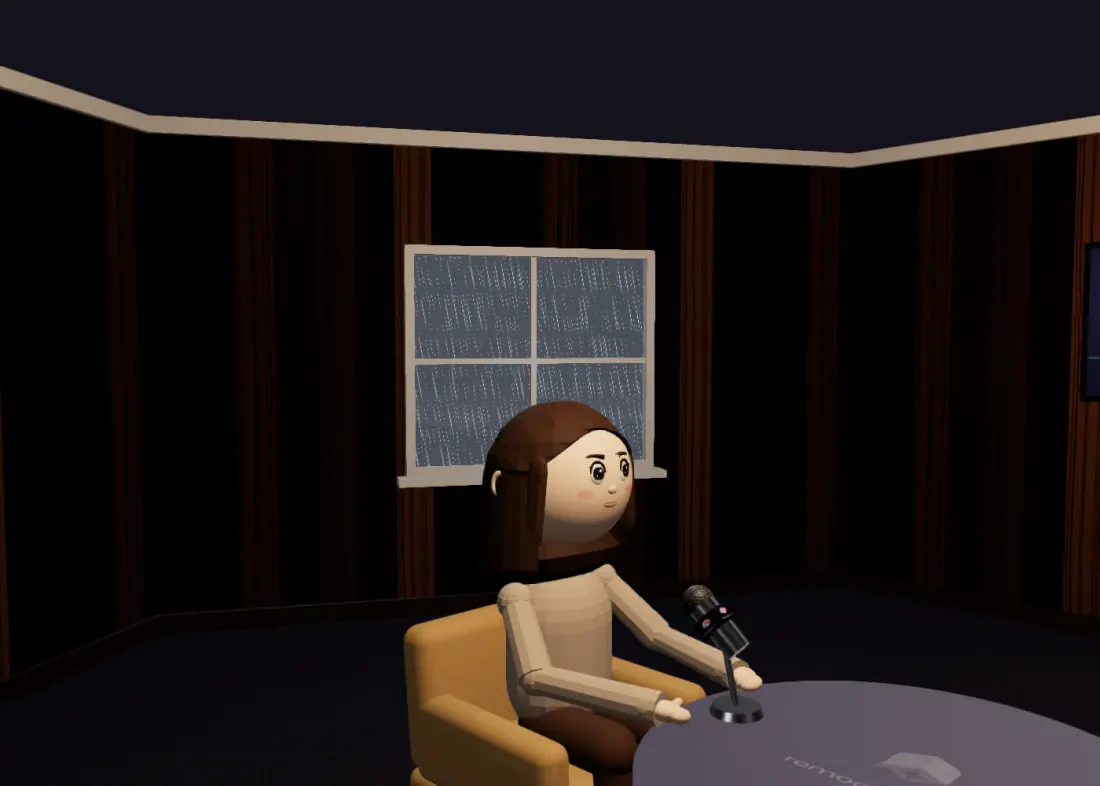
Day, sunset, night, sun, rain, storm or snow. The room’s light changes with the weather.
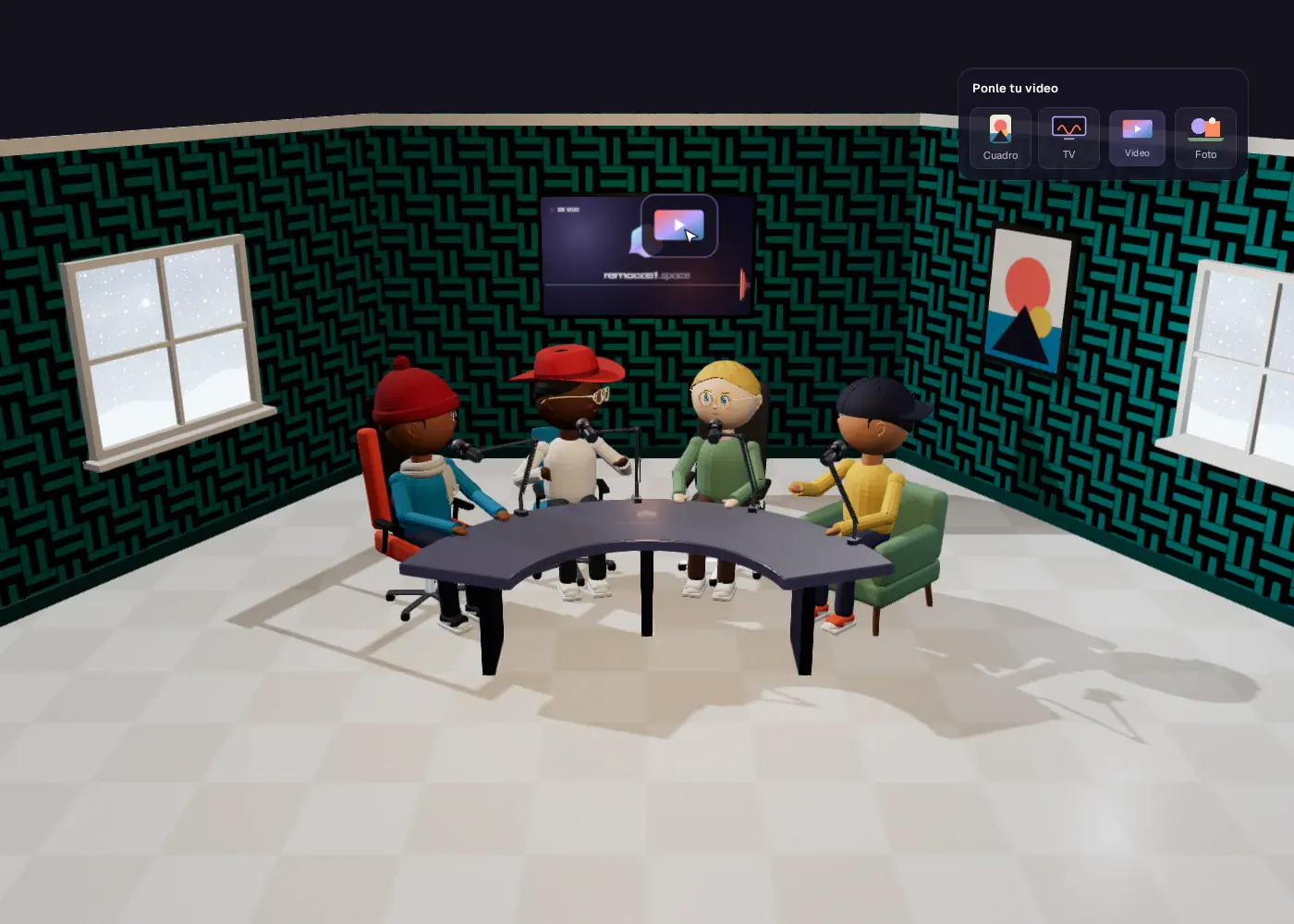
Bring photos and videos from your computer straight onto the wall or the table. No endless menus.
Hit Record and take home a video of the studio with everyone’s voice. No buttons, panels or names in the shot.
Beyond your studio, the Library brings ready-made scenes for an occasion. Create the room in one tap, share the link and it stays with your studios.
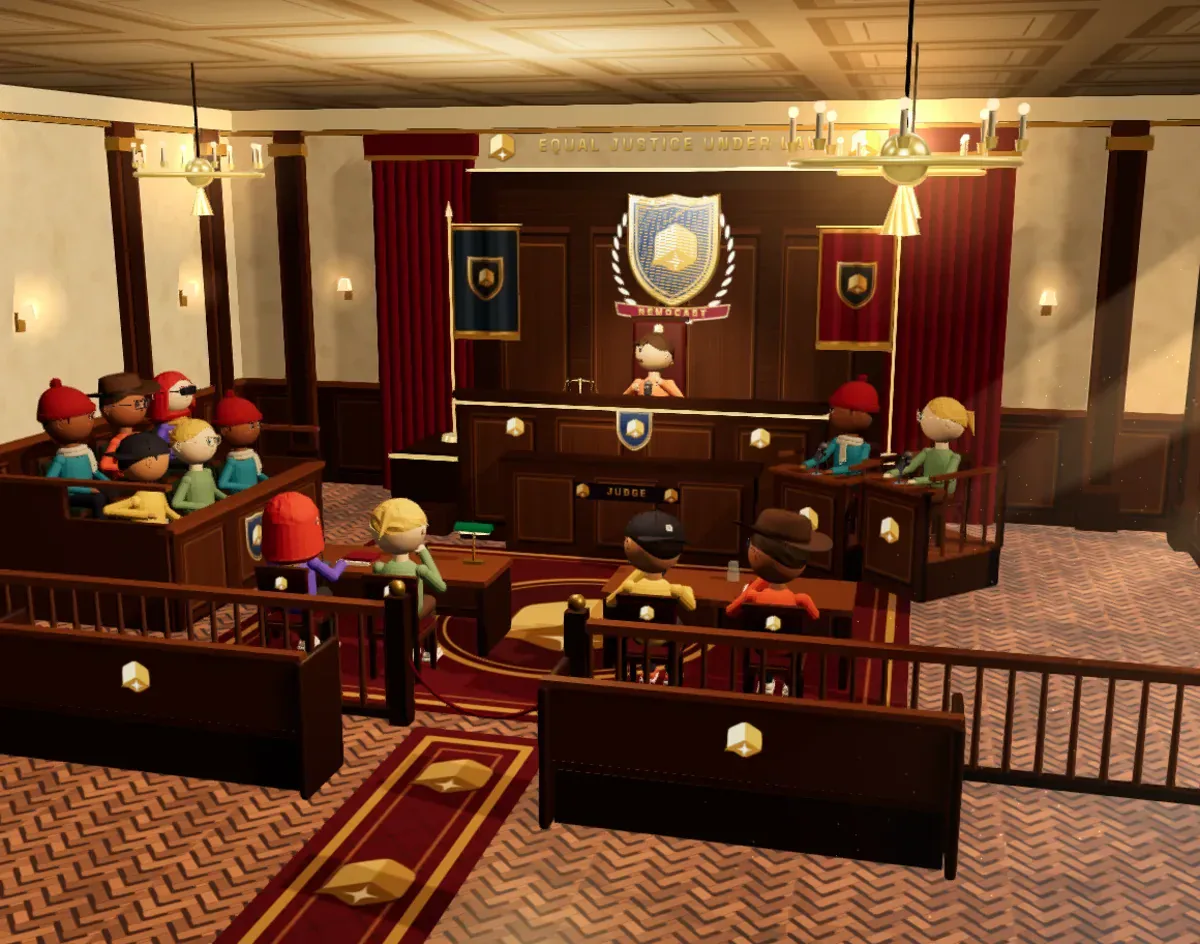
Judge, jury, defendant, plaintiff, lawyers, witnesses and an audience. You hand out the roles, the jury votes in secret and the judge bangs the gavel: “To jail!” or “Not guilty”, on everyone’s screen.
For mock trials with friends, debates with real arguments and classes nobody forgets.
3D courtroom: the judge on the bench under the remocast crest, the jury on one side, lawyers at their tables and the audience in the pews
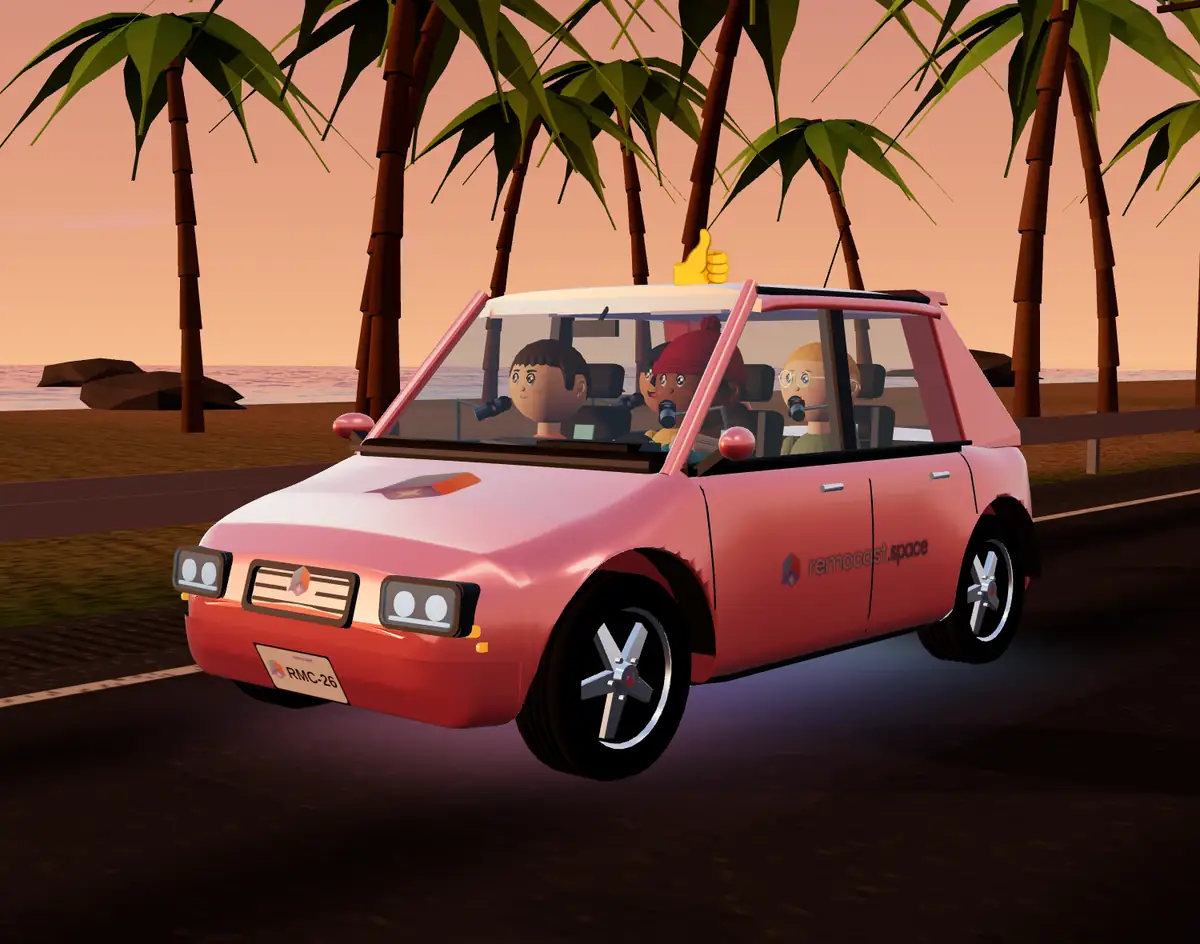
Your podcast, inside a car that drives itself down an endless road. Pick the vehicle, the scenery, the license plate and your stickers, and the cinematic camera jumps from window to window to whoever is talking.
For road-trip chats and laid-back interviews. And if you pick tornado, UFOs or zombies, get ready for some unexpected events on the road.
Coral car with the remocast logo driving down a coastal road at sunset, with four avatars talking inside
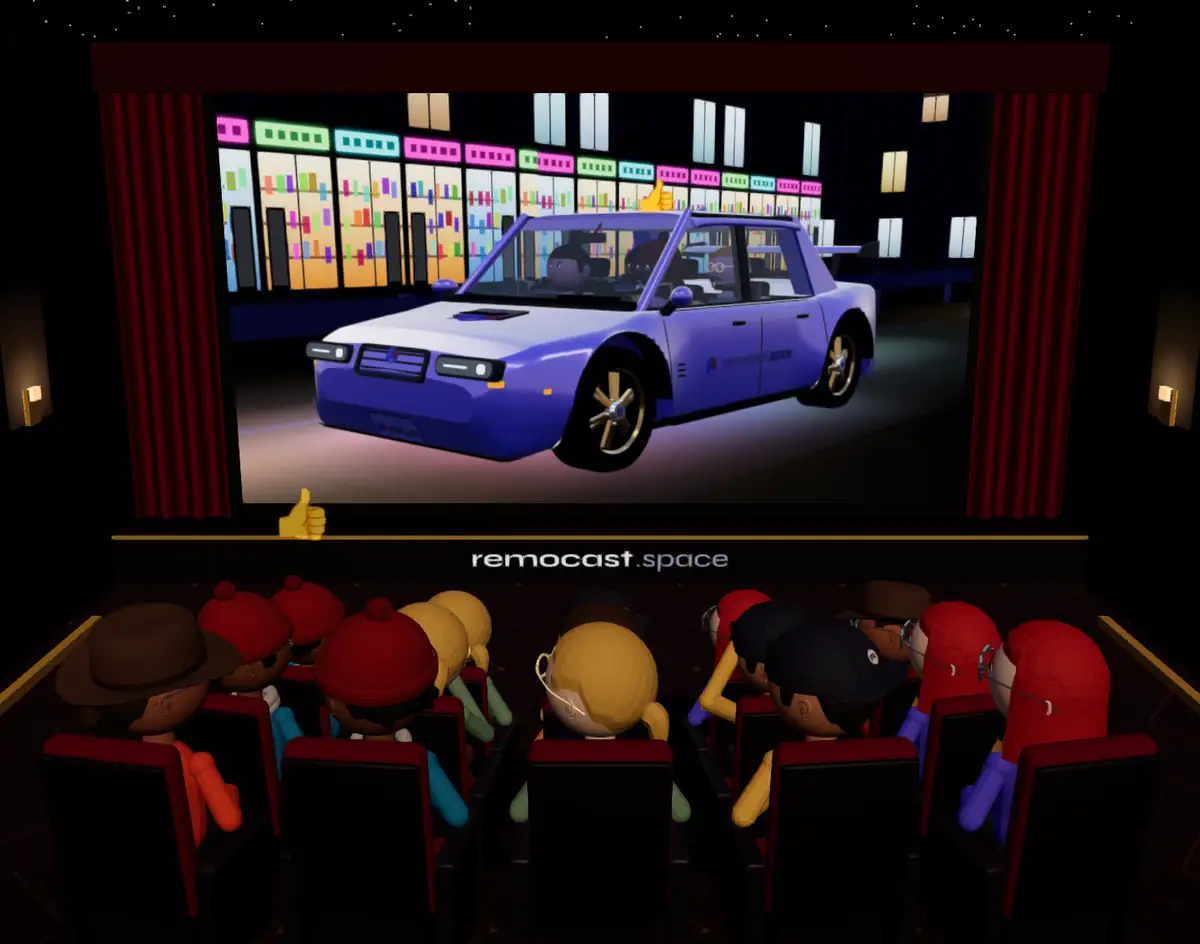
Fifteen seats facing a giant screen. Queue up images, your videos or YouTube links and everyone sees the same thing, at the same second.
To watch videos together, react as a group or review footage with your team. You decide whether only you or everyone can add to the queue.
3D movie theater with red seats full of avatars facing a giant screen
From creating your account to chatting in your own studio takes a couple of minutes.
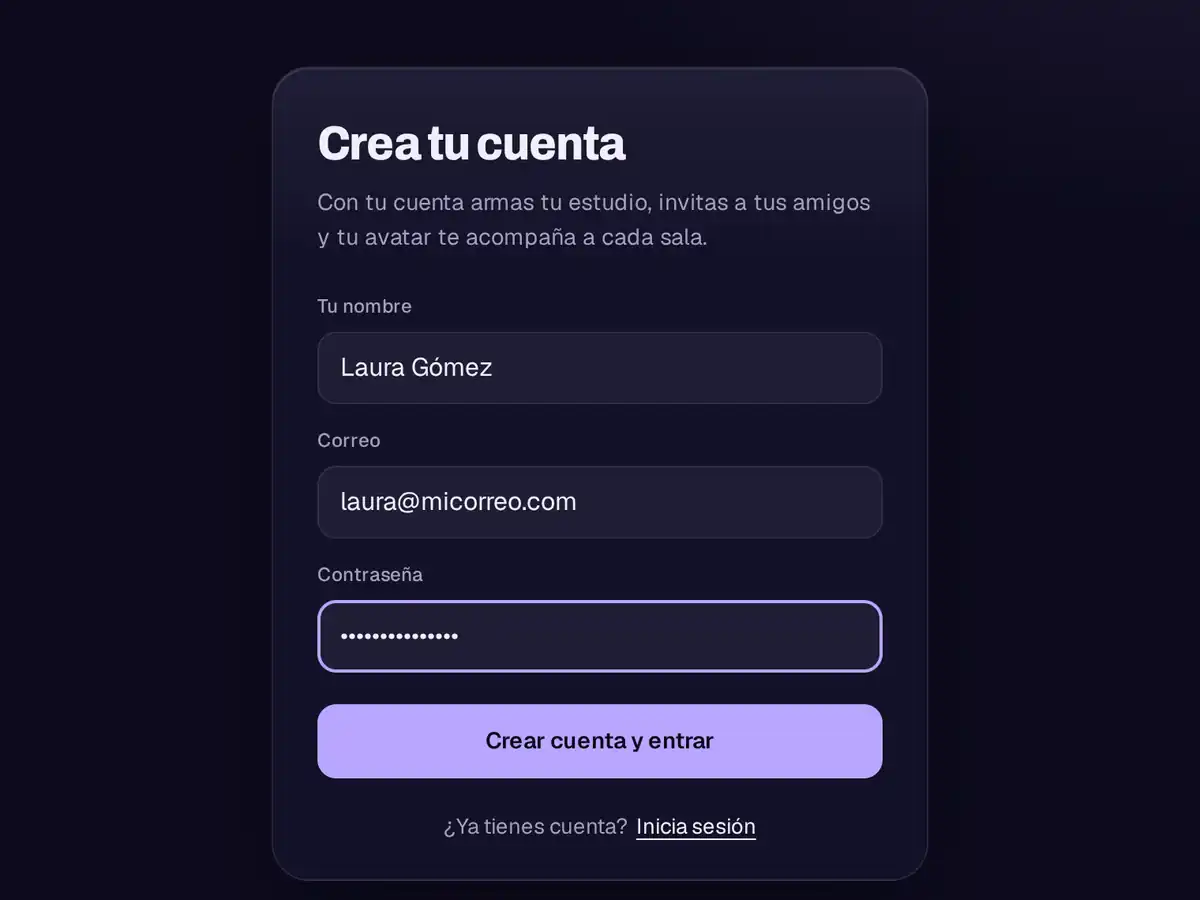
With your email and a password. Your account keeps your avatar and the rooms you build.
Walls, table, chairs, microphones, frames, screens, windows and lights. As the host, the decor is yours.
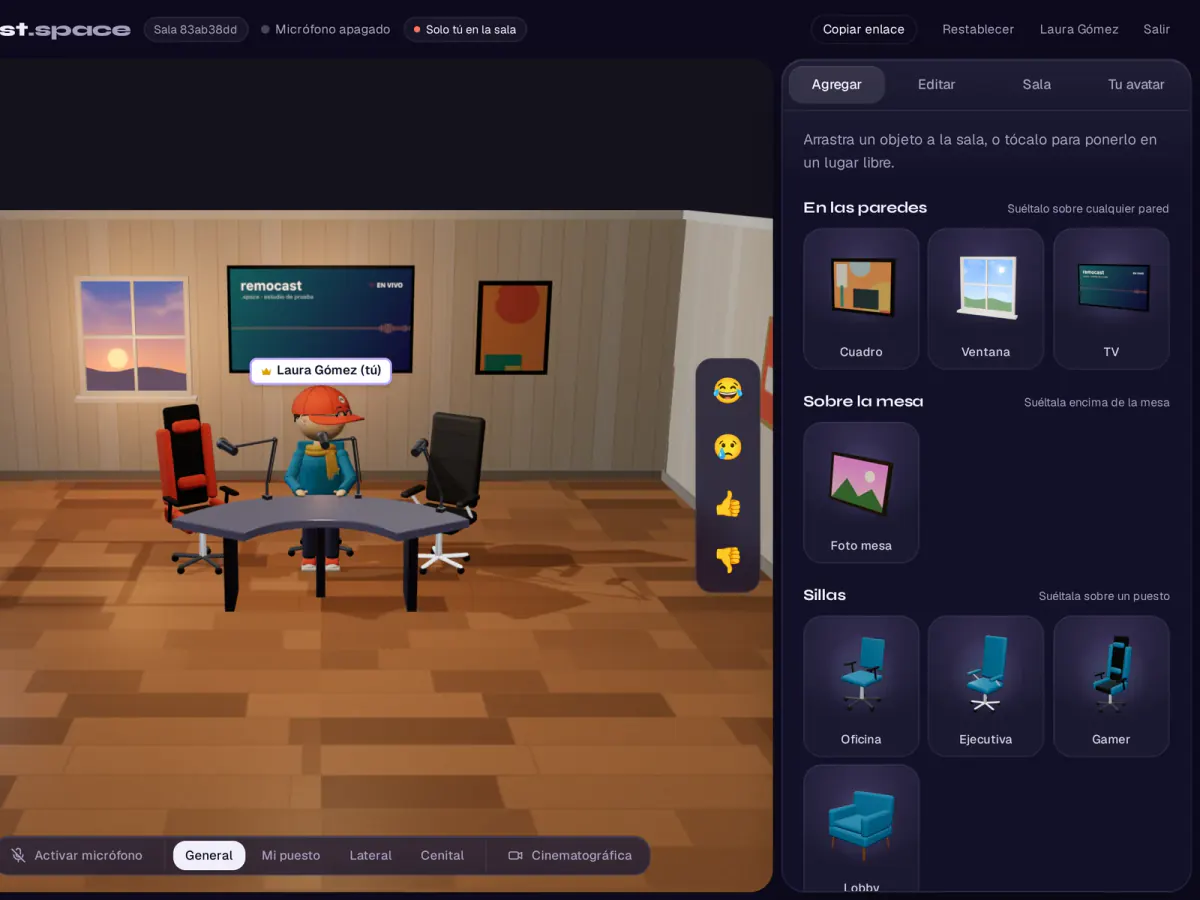
Your guests sign in, pick a seat, dress their avatar their way and chat with you live. Hit Record and take the episode home.
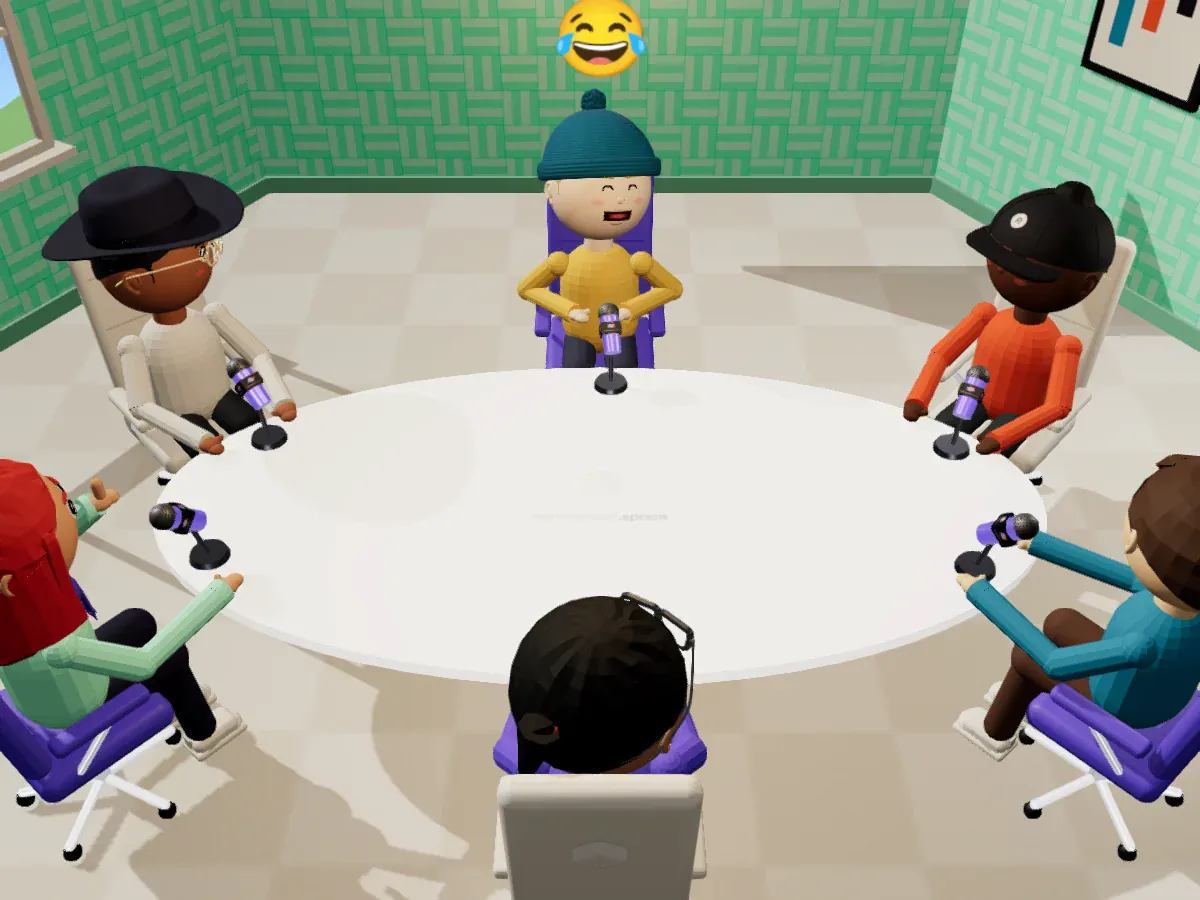
The same studio works for recording an episode, getting your team together or hanging out with friends.
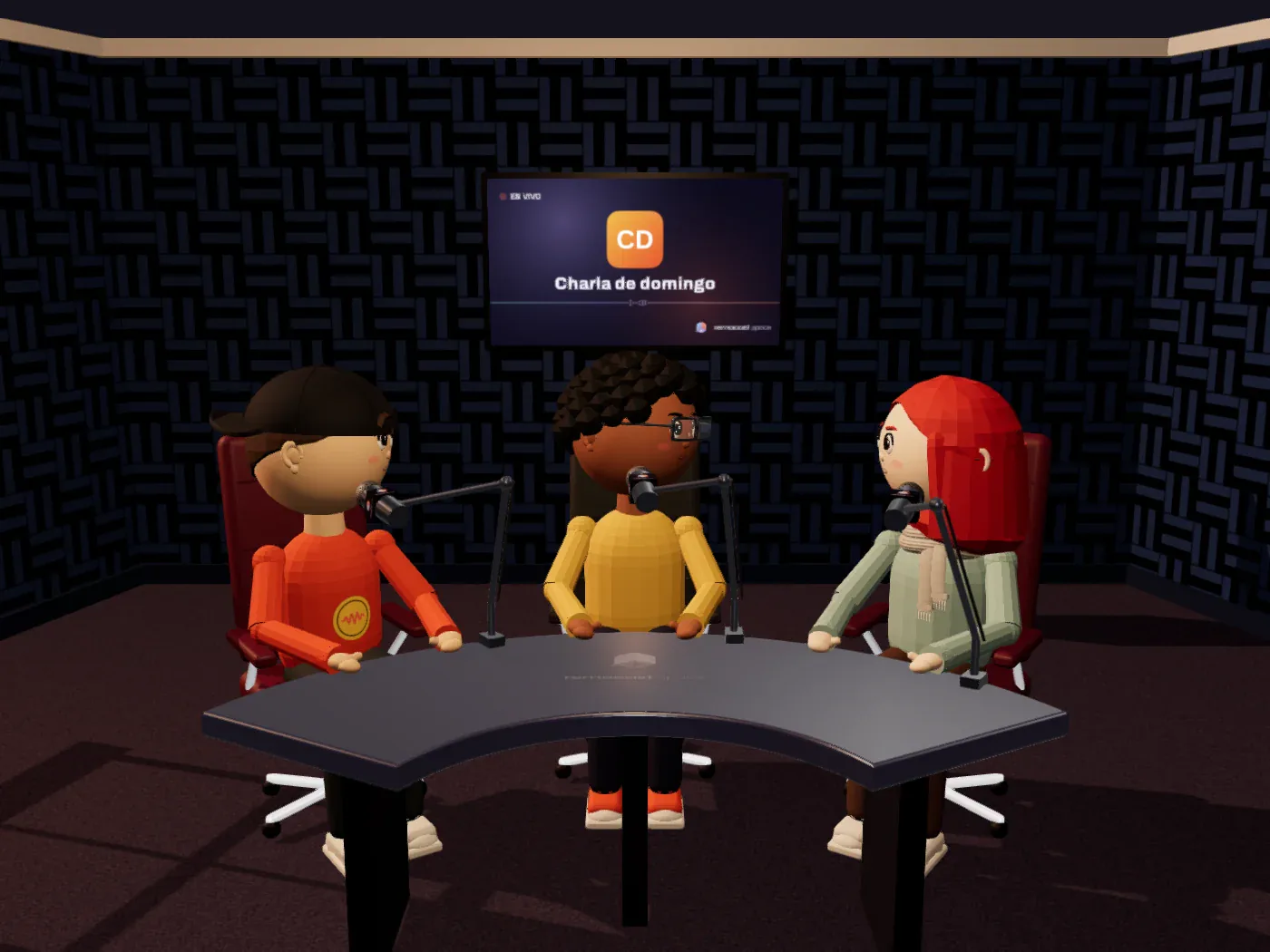 PodcastersRecord your show on a set that looks professional from episode one, without renting a studio.
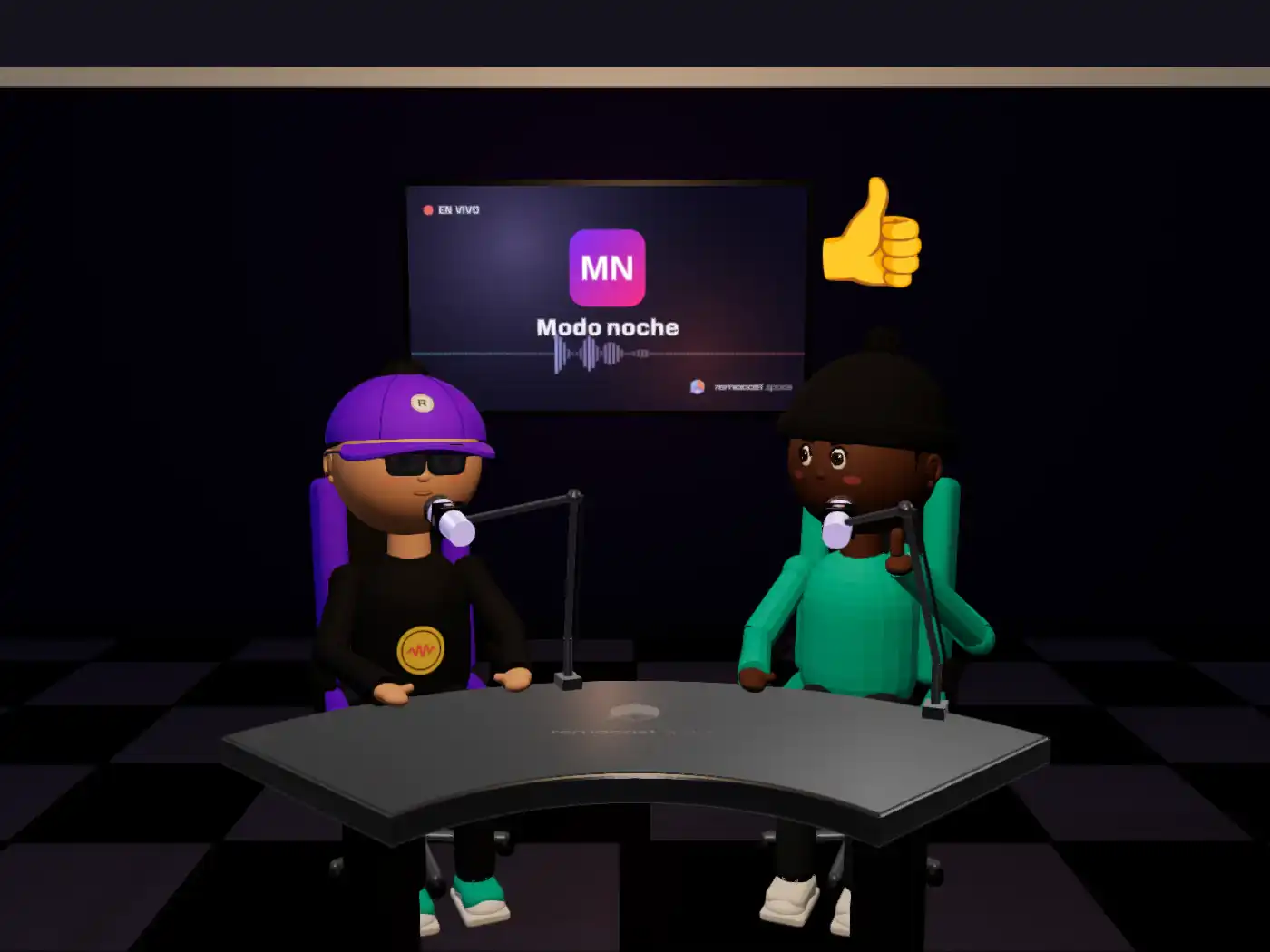 StreamersCapture the studio with OBS or your usual software and stream with your avatar while the cinematic camera does the cuts.Video creatorsRecord your episode with the studio as your backdrop and let the cinematic camera do the cuts. You get the video ready to edit.
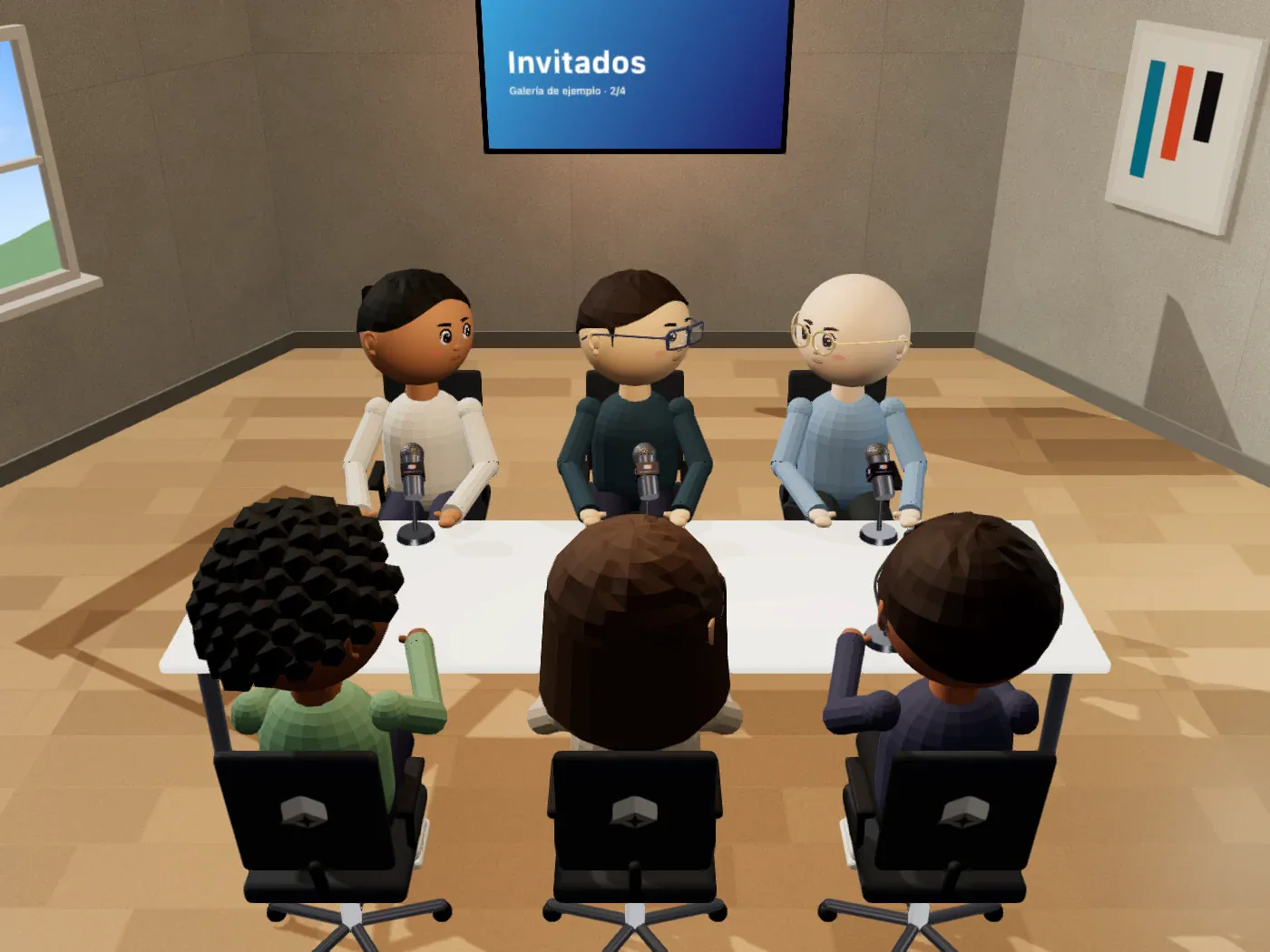 Remote teamsMeetings where everyone sits at the same table instead of staring at a grid of tired faces.
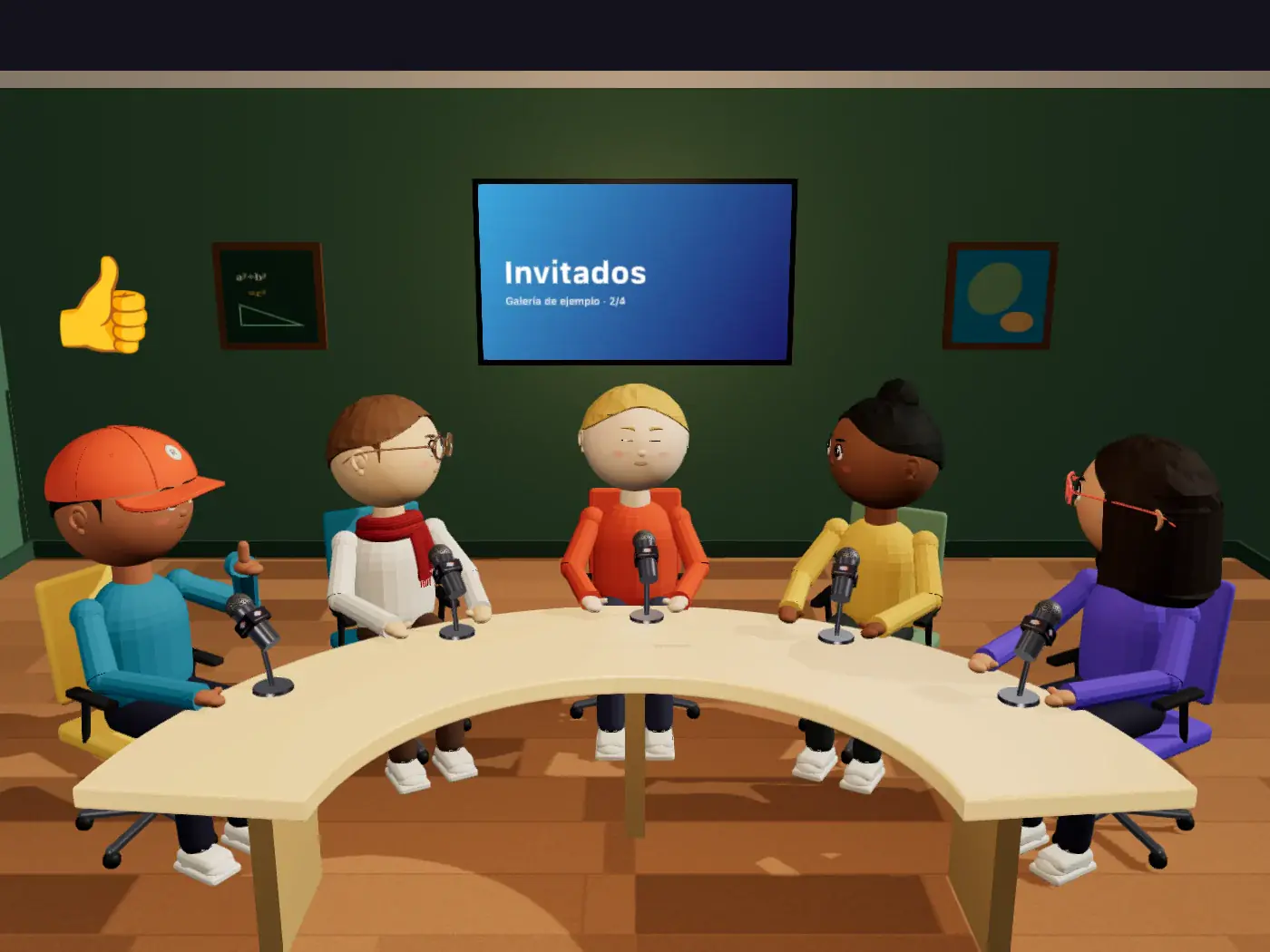 TeachersYour live class with the TV showing your slides and your students around you.
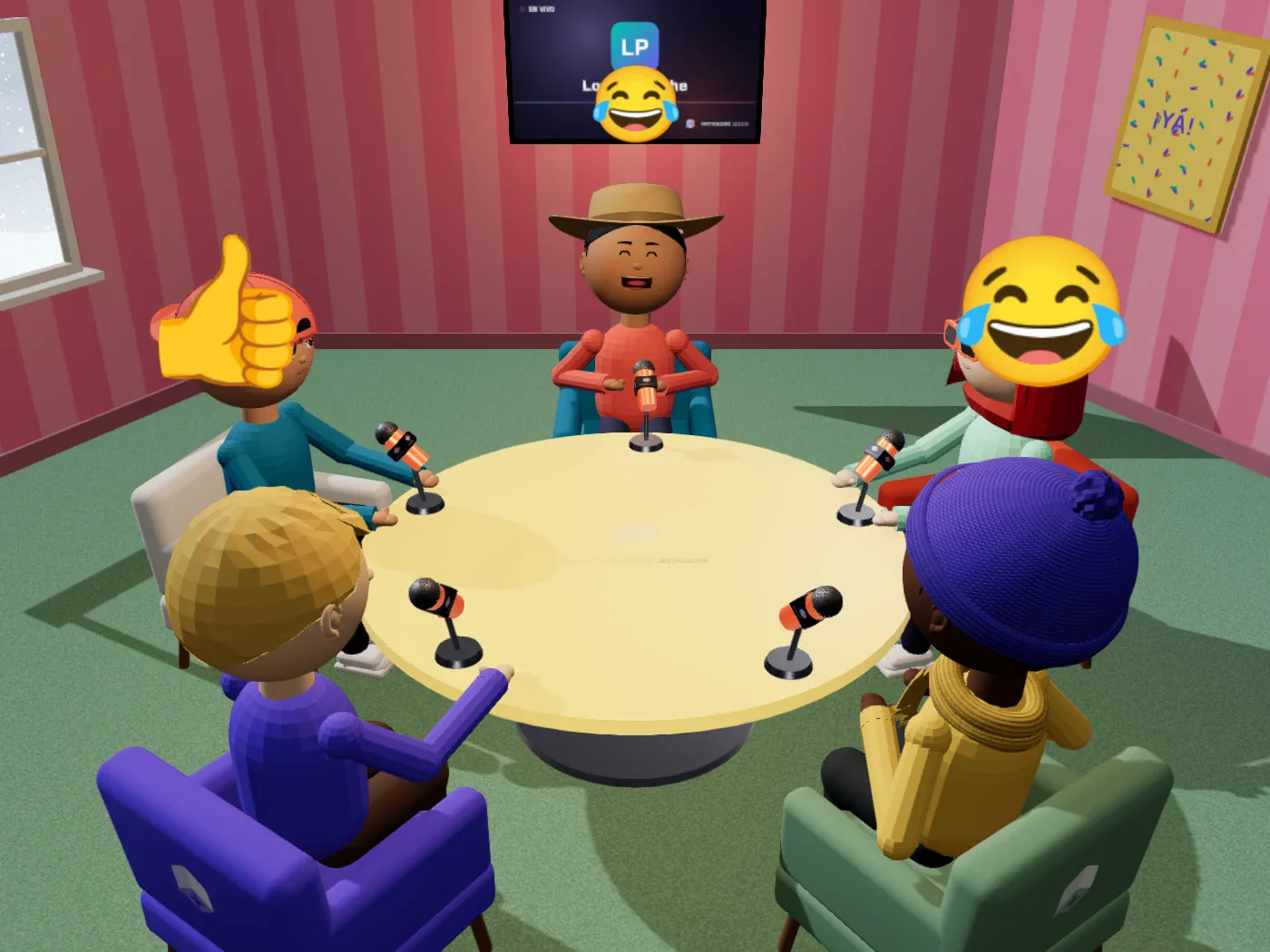 FriendsGame night, Sunday gossip or the birthday of the friend who lives far away. With laughs you can see.
And if you still have one, the best answer is to jump in and build your room.
No. Remocast runs in your computer’s or phone’s browser. If you prefer, there’s also a desktop app for Windows, Mac and Linux. You only allow microphone access when you join a room.
No. Your avatar moves with your voice, and your face comes from a photo you upload and frame just once.
In your studio, up to six, each in their own seat at the table; the table grows on its own as more people arrive. The Courtroom and the Cinema fit up to 15, and Out the Window fits as many as the vehicle seats (up to 12 on the bus).
Yes. Everyone signs in with their own account, so you always know who is sitting in your studio.
Only the host, the person who created the room. Guests customize their own avatar and react.
Yes. Voice goes directly between browsers, and you can mute your microphone at any time without leaving the room.
Yes. Pick the color of the shirt, pants and sneakers, print an image on the shirt and add a beanie, cap, hat, glasses or scarf.
Yes. Frames with your images, a TV with a video, a gallery or the live channel of your voice, and photos on the table.
Yes. The host hits Record and only the 3D studio is recorded, with everyone’s voice and none of the interface. When you stop, the video downloads to your computer; everyone sees a notice that recording is on.
Yes. remocast doesn’t stream by itself, but you can capture the studio window with OBS or the software you already use and stream to Twitch, YouTube or TikTok with your avatar on set. The cinematic camera does the cuts for you.
Yes. Whatever you build is saved, and you can come back with the same link whenever you want.
Create your account, build your room, send the link to your people and record your first episode. You can be on air today.